Yannick Ruijter
C/C++ Embedded Systems & Algorithms
Powerpoint for the NES
The program
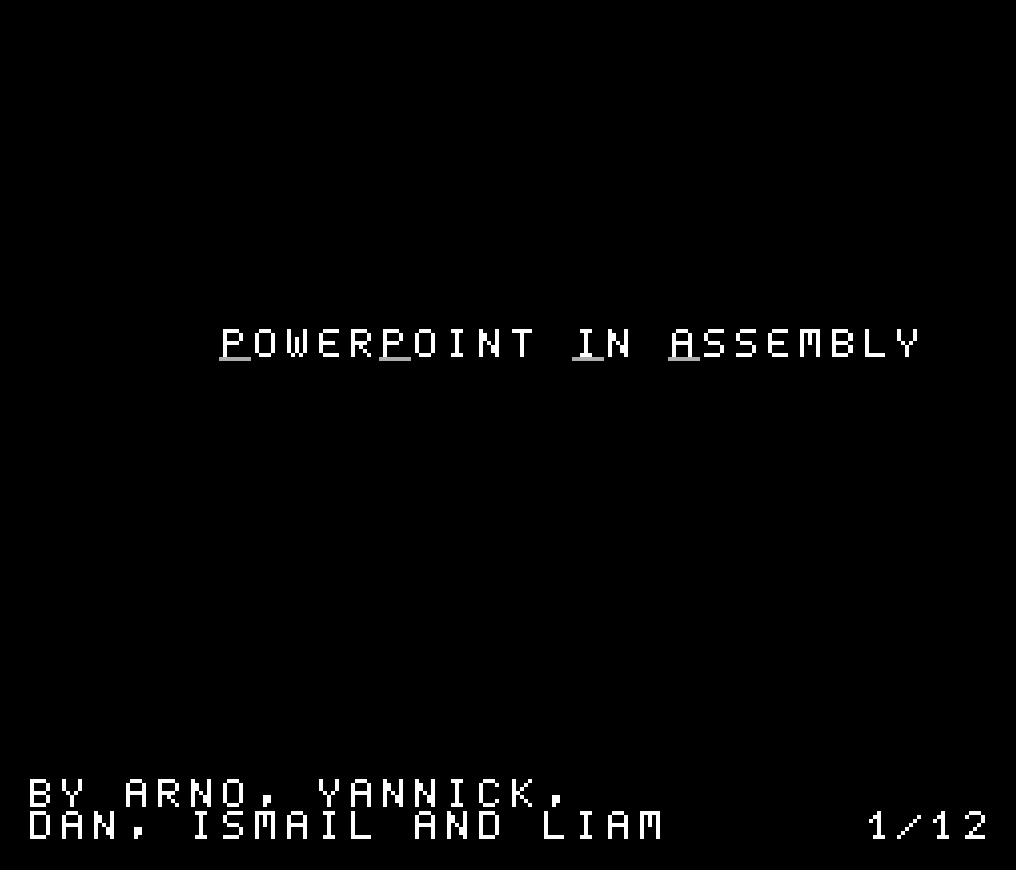
PowerPoint in Assembly is a slide presentation tool built entirely in 6502 assembly, running natively on the NES. Instead of a traditional slide editor, presentations are written in a simple markdown-style text format using special escape sequences, \s marks a new slide, \t inserts a tab, and \\ escapes a literal backslash. That raw text file is parsed directly by the NES itself and rendered as a fully navigable slideshow, with support for all printable ASCII characters, multi-line slides, automatic word wrapping for long lines, and smooth animated transitions between slides.
Navigation works through the NES controller (or even a compatible light gun), with a slide index indicator showing your position in the deck, animation speed and indicator placement are both configurable through a dedicated settings file. Later versions added sound effects on slide transitions and page navigation, plus support for jumping back to the previous slide.
Technical limitations
Building this on real NES hardware meant designing around some serious limitations:
- 2KB RAM – no dynamic memory allocation, we always had to think about the memory in use
- No Floating Point Support – the 6502 is an 8-bit processor with only integer arithmetic
- Tile-Based Rendering – there’s no concept of “drawing text” like on a modern display. Every character has to be mapped to a tile and placed manually into the pattern/nametable memory
- No External help – Everything, from file parsing to slide transitions to displaying the slide, had to be written from scratch

My contributions
Working in a team of 4 (a 5th member had to step away before development really began), we built this project over 1-2 months while simultaneously learning 6502 assembly from scratch. My main contributions were:
- Parsing raw text input into structured slide content
- Implementing recognition and handling of escape sequences (
\s,\t,\\) - Building the slide navigation system (moving forward/backward between slides)
- Implementing the animated transitions between slides
- Building the settings file system, allowing animation speed and indicator position to be configured without touching the core logic
- Handling the actual on-screen content rendering
Sound effects were the one piece of the project I didn’t personally work on, everything else in the pipeline, from raw text to what actually appears on screen, went through code I wrote or co-wrote.
Challenges And Solutions
Parsing the content file
Since the NES’s tile-based rendering has no built-in concept of ASCII text, we needed a fast, reliable way to convert raw characters from the file into tile indices the PPU could actually display. We solved this by deliberately placing all ASCII characters in the pattern table at positions that mirrored their real ASCII values. That meant converting a character to its tile index was just a single subtraction, no lookup tables, no branching logic, just fast, predictable math well suited to the 6502.
Displaying the slides
This went through a few iterations. Our first approach used a pointer that walked through every character in the file from the very start, tracking its offset. The problem: this only left enough room to display 8 bytes of characters, including escape sequences, nowhere near enough for a real slide. We reworked the pointer to instead track the offset from the start of the current slide rather than the whole file, which bumped our limit up to 255 characters per slide using a single-byte pointer. That held up for a while, but eventually we hit that ceiling too, so we switched to a 2-byte pointer, removing the 255-character cap entirely and letting slides hold significantly more content than the screen could actually display.
Navigating the slides
The NES only has 2 unique nametables (plus a mirrored copy of each), but our navigation needed a “current,” “next,” and “previous” slide all conceptually available at once. To handle this, we first built an algorithm to scan forward through the file and locate the next slide’s escape sequence.
From there, navigation split into two cases:
- Going forward: we rendered the next slide into the nametable to the right of our current view (we always display from the top-left nametable), then scrolled the camera right by 1 pixel every few frames to animate the transition. Once the scroll finished, we rendered the new current slide back into the left nametable and snapped the view back, resetting for the next transition.
- Going backward: since there’s no “previous slide” pointer stored anywhere, we rendered the current slide into the right nametable and jumped the view instantly (no animation). To actually find the previous slide’s content, we had to start from the very first slide and repeatedly search forward, slide by slide, until we reached the one just before our current position, a simpler but less elegant solution than the forward case.