Yannick Ruijter
C/C++ Embedded Systems & Algorithms
Component-Based C++ Engine
The program
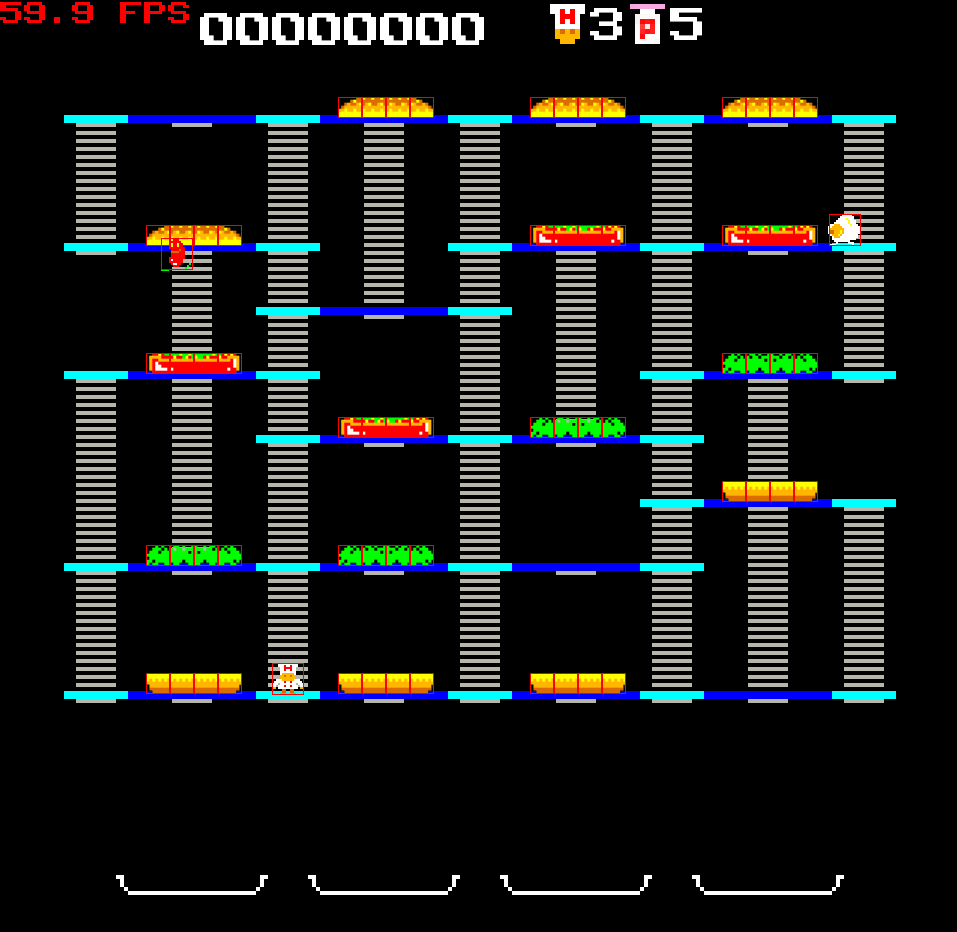
For the Programming 4 course in my second year at DAE Game Development, I built a small C++ game engine from the ground up and shipped a complete game with it: an arcade-style BurgerTime clone. The starting point was Minigin, a minimal base project with SDL and GLM already wired up. Everything else, from the GameObject/Component system to input handling, scene management, and audio, I designed and implemented myself.
The goal wasn’t just to make a game run. Throughout the course I deliberately studied and applied concepts from Game Programming Patterns and the C++ Core Guidelines, using the engine as a way to actually understand why those patterns exist rather than just reading about them. Building BurgerTime on top of the engine afterward was where that effort paid off: the underlying design made the process noticeably smoother and let me focus my energy on the parts that mattered for the game itself. AI, input, state, and persistent high scores.
Tech stack: C++20, SDL3, GLM, CMake, GitHub Actions (CI + Emscripten web build)
The Engine
| System | Category | What it does |
|---|---|---|
| GameObjects & Components | Core Object Model | GameObjects can hold any number of unique components and always have a Transform by default. The engine ships with a few built-in components, but the real design goal was extensibility — users inherit from Component to build their own and attach it to any GameObject. |
| Scene Graph | Core Object Model | GameObjects can be parented to one another, with their Transforms parented alongside them, forming a proper scene graph. |
| Scene Management | Core Object Model | Scenes are built through SceneLoaders, passed to the SceneManager with whatever parameters they need. Each loader constructs and returns a pointer to its scene, so switching scenes — and unloading unused ones — stays clean and predictable. |
| Input Actions | Input System | Following Unity’s approach, input is decoupled from the underlying input API via generalized “input actions.” An action like "move down" can be linked to both S and D-Pad Down, so gameplay code binds to input-type-independent actions rather than a specific device. |
| Bindings | Input System | Input actions link to a trigger state — just pressed, pressed, just released, or released — and are bound to a command that executes whenever that state fires. |
| Audio | Systems & Services | A SoundSystem loads and plays audio on a separate thread, keeping sound work off the main thread. |
| Service Locator | Systems & Services | A singleton that lets services — in this case, sound systems — be registered and swapped out at runtime. |
| Time Manager | Systems & Services | A singleton that always stores the current delta time, giving any system consistent access to frame timing. |
| Events | Systems & Services | Events are identified with an SDBM hash ("event"_h), so they pass around at near-zero cost as lightweight IDs. On the game side, this event ID is combined with the Observer pattern as a notification parameter. |
The Game
| System | Category | What it does |
|---|---|---|
| Saving High Scores | BurgerTime Gameplay | Since arcade machines didn’t have keyboards, initials entry is handled the way classic arcade games did it: up/down cycles through the alphabet on the current letter, left/right moves between letters. Scores are saved to a CSV — full database complexity wasn’t needed for a simple high score list. |
| Player/AI Entities | BurgerTime Gameplay | Since the game needed both player-controlled and AI-controlled enemies (for PvP mode), each entity holds a Controller that’s responsible for reading input. Entity states read from whatever controller they’re given rather than polling input directly. An EnemyAiController runs its decision logic in the background and reports back through the same interface a player controller would use, while a PlayerController reads real input. Enemies’ controllers simply always return false for the attack input, since enemies can’t attack. This meant one shared set of states and one shared set of controllers could drive either a player or an AI-controlled entity, just by swapping which controller was attached. |
| Events | BurgerTime Gameplay | The Observer pattern handles notifications for gameplay events like player death or a dropped burger. Each event (“subject”) keeps a list of observers; when it triggers, it notifies everyone subscribed. This keeps event-handling code decoupled and efficient, since each event only needs to be checked and fired from one place. |
| State Pattern | BurgerTime Gameplay | Entities use the State pattern to define what they can do in a given state. Transitioning states is just a matter of a state returning the next state to move into, keeping transition logic self-contained and easy to reason about. |
What I'm proud of
More than any single feature, what I’m proudest of on this project is the code quality itself. I always think about design when I write code, but this project pushed that further than anything before it. I was constantly asking myself how a system could be made more flexible, not just functional. The scene builder system and the Strategy-pattern-driven entity controllers are the clearest proof of that: both let me add new scenes, new player types, or entirely new AI behavior without touching a single line of existing code. It’s the project that showed me how far that habit of thinking about design can actually take a codebase.